
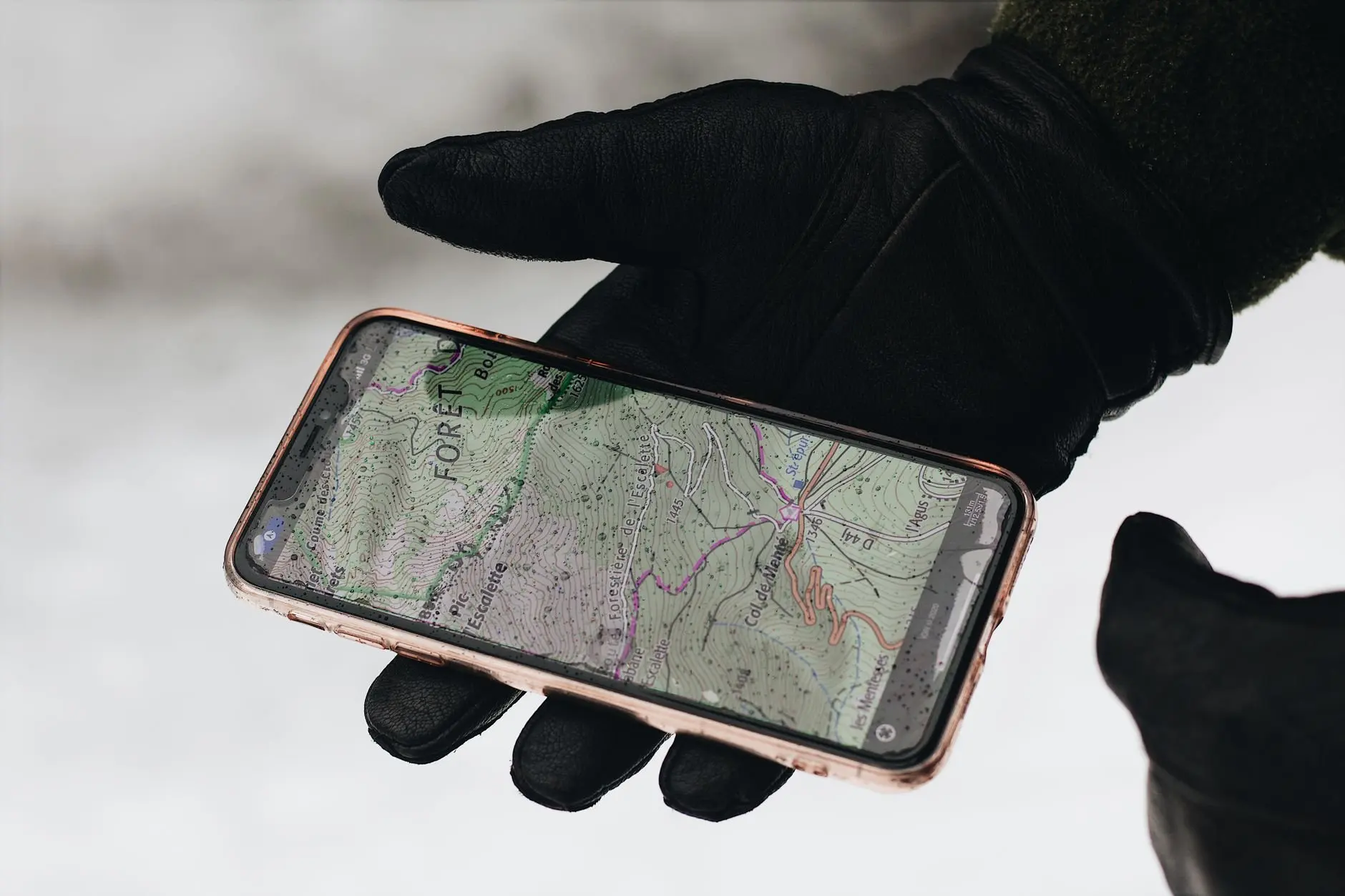
A map of observations is a set of pins, each built from the location attached to one record. Open records show exact coordinates, while obscured ones show only the general vicinity, so read every pin with its privacy setting in mind.
This page belongs to our wider work on invasive species monitoring. It explains how location data becomes a map rather than embedding one, and the maps it describes are external iNaturalist views.
What a map of observations shows
Cambridge Dictionary defines a map as a picture that shows where countries, towns, roads and similar features are. An observation map keeps that idea and adds a layer of records. Each pin stands for one observation record, a single report that ties a sighting to a place.
The place is more than decoration. Location helps produce an accurate identification, because many organisms live in specific regions, according to a City University of New York bioblitz guide to iNaturalist privacy settings. An identifier looking at a photo can ask whether a species plausibly occurs where the pin sits. For monitoring work, where something turned up is often the central question, so the pin carries real weight.
A pin is only as exact as the setting behind it, and that is the main limit on any observation map. The sections below follow the data from the phone to the pin and then explain why some pins are deliberately vague.
From photo to pin: how locations are recorded
Observation locations reach a map through the photo itself or through manual entry. The stages below run in the order the data moves.
- Capture. When a phone takes the picture, the geolocation will usually be embedded in the image file. These are the GPS coordinates that later place the pin.
- Upload and check. If the photo carries no coordinates, you may add the location in iNaturalist and still control the privacy level. Because embedding is only usual, not guaranteed, confirm the location on each record before you rely on it.
- Privacy choice. The observer’s setting decides what other people are allowed to see of that location.
- Display. The map draws the pin from whatever the setting makes visible. That might be the exact point, a general area, or nothing for anyone but the observer.
The practical lesson is that a map pin is a processed version of the coordinates. Two records made at the same spot can appear in different places on the same map if their owners chose different settings.

Open, obscured and private locations
iNaturalist offers location settings that control how precisely a record appears on the map. Sensitive species are the reason these settings exist, and some are protected automatically.
| Setting | What other users see | Planning use |
|---|---|---|
| Open | Exact coordinates of the observation | Suits common, non-sensitive records where a precise pin helps others check or revisit the find. |
| Obscured | Only the general vicinity | Suits records where the area matters but the exact spot should stay protected. |
| Private | Nothing; only the observer sees the location data | Suits records that should not be placed on the map for anyone else. |
These settings are described in the CUNY bioblitz guide to iNaturalist privacy.
Are sensitive species hidden?
Often yes. iNaturalist automatically makes some taxa private, such as rare or endangered species, so a map can lack a pin for exactly the organisms people most want to find. An empty stretch of map therefore does not mean the species is absent. Observers can also choose obscured or private themselves for records they consider sensitive.
Reading obscured pins
An obscured pin marks a general vicinity, not a position. Treat it as a regional clue and never as a survey point, and do not use it to navigate to a site or to measure a spot. Users on the iNaturalist forum have asked for a way to view true locations on maps for observations with trusted hidden coordinates, and the same thread includes a report that obscured observations are not showing the correct location in map view. Together these show that vicinity display is a known source of confusion, so check what a pin represents before drawing conclusions from where it sits.
Choosing a setting that fits the record
The right setting depends on who needs the exact point and what harm a precise pin could do. An open setting gives other users the most to work with, since anyone can see the exact coordinates. Obscured keeps the record useful at a regional level while withholding the spot. Private protects the location from everyone but the observer, at the cost of anything a public pin would contribute.
When you are unsure whether a species is sensitive, obscured is the more cautious choice than open, because it still shows the general vicinity. If the species is rare or endangered, iNaturalist will already have made the record private, so your choice matters most for borderline cases.
Where to see Maine records
Maine records are browsed on iNaturalist’s own map views, not on this page. Because the privacy settings above apply on that platform, what you see is the public version of each record. Open pins show exact points, obscured ones show vicinities, and private records do not appear for other users. Your own private observations stay visible to you, since only the observer can see that location data.
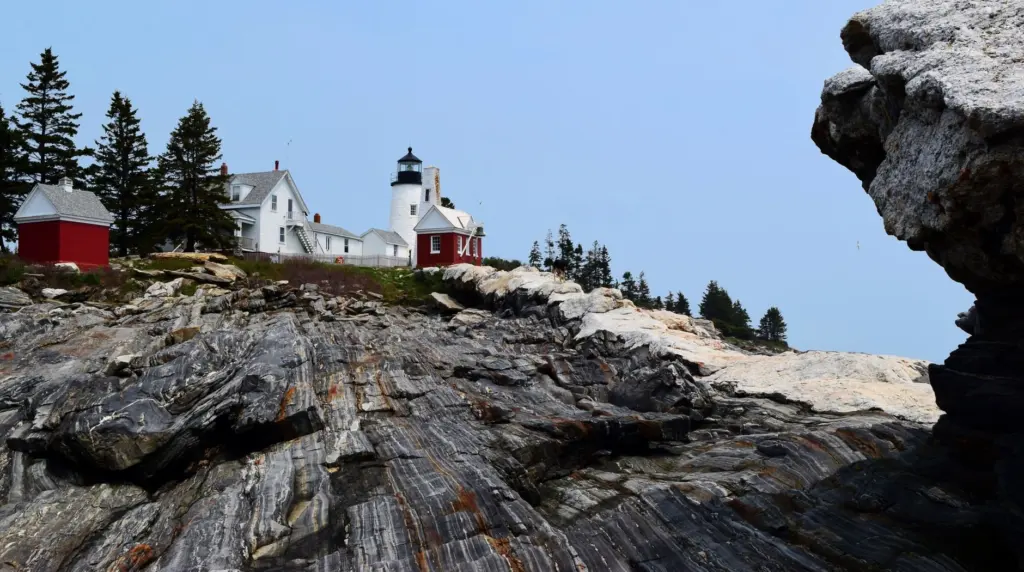
For a lake or shoreline question, look at the pins around a particular access point with the setting in mind. A cluster near a landing tells you records exist there, but it does not tell you whether the pins are exact or approximate unless you open the record.
Frequently asked questions
What happens if an observation has no location?
It cannot reach research grade status on iNaturalist. Adding the location in iNaturalist fixes this while still letting you control the privacy level.
Can I change an observation’s privacy after posting it?
Yes. You can change privacy when you add an observation or at any time afterward.
Does hiding a location on the map remove the true location data?
For viewers, yes. A community comment on the iNaturalist forum notes that this approach gets around the privacy problem but also loses the location data. Hidden coordinates are for protection, not for precise mapping.